If you’re a dedicated Guardian trying to log into Destiny 2 only to face frustrating error messages or endless loading screens, you’re not alone. Recent server issues have left many players wondering what’s going on with the game’s online infrastructure. In this article, we’ll break down the current status of Destiny 2 servers, explain the reasons behind the latest downtime, and provide practical tips to get you back in the game as quickly as possible.
Current Server Status: Are Destiny 2 Servers Down Right Now?
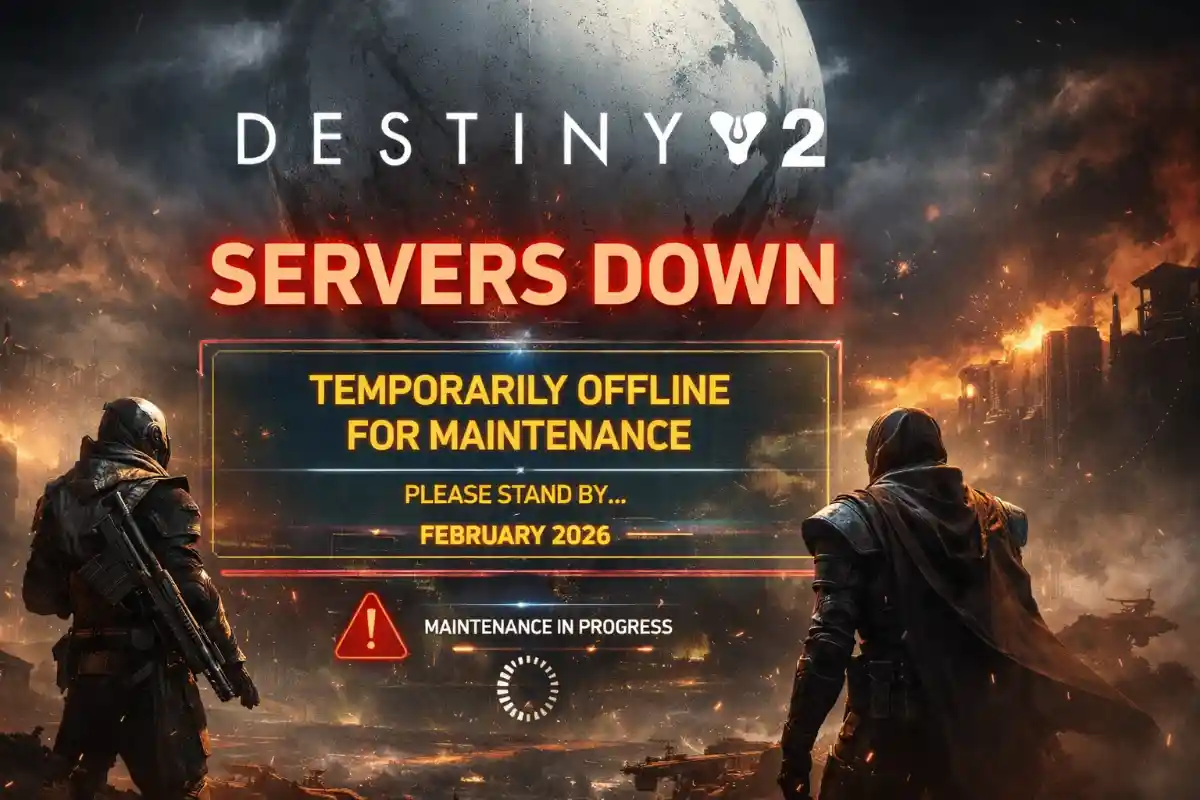
As of February 25, 2026, Destiny 2 servers appear to be back online following an extended maintenance period that occurred on February 24. However, some players may still encounter lingering connection problems or error codes due to high traffic or individual network issues. Bungie has confirmed that the servers were taken offline for a scheduled update, and while the primary downtime has ended, background maintenance could intermittently affect gameplay.

To check the real-time status, keep an eye on official channels for any unexpected outages. Reports from players indicate that platforms like PC, PlayStation, and Xbox were all impacted during the peak of the maintenance.
Breaking Down the Recent Downtime
On February 24, 2026, Bungie initiated an extended maintenance window for Destiny 2 to deploy Update 9.5.5.3. The servers went offline starting at 7:00 AM PST (Pacific Standard Time), with an expected downtime lasting until approximately 2:00 PM PST. Maintenance was projected to conclude around 3:00 PM PST. This unusually long period—spanning about seven hours—sparked discussions among the community, as typical updates often wrap up in just a couple of hours.
The update focused on addressing gameplay issues, adding in-game features, and ensuring overall stability. While Destiny 1 services might have experienced minor disruptions, the primary impact was on Destiny 2, including its APIs and related websites. Some players reported that the maintenance was extended further, with Bungie providing hourly updates on the situation.
This downtime came at a time when the community is buzzing about upcoming content, including potential crossovers with Bungie’s new title, Marathon. The extended nature of the maintenance suggests significant backend work, possibly to prepare for future expansions or to resolve persistent stability concerns.
Common Error Codes During Destiny 2 Server Outages
When Destiny 2 servers are down or under heavy load, players often encounter specific error codes that can halt progress. Here are some of the most frequently reported ones from the recent outage:
– Plum Error: This BattlEye-related issue typically points to anti-cheat detection problems. It can occur during server instability or if there’s a conflict with your system’s software.
– Buffalo Error: Often linked to sign-in issues, this error requires you to ensure you’re logged into the correct platform network, such as PlayStation Network.
Other common codes include Weasel (general networking errors), Beaver (connection timeouts), and Cabbage (router-related problems). These errors spike during maintenance periods when servers are overloaded or offline.
How to Fix Destiny 2 Connection Issues
If you’re still facing problems even after the servers are reportedly up, try these troubleshooting steps to resolve common Destiny 2 server down issues:
1. Restart Your Game and Device: A simple reboot can clear temporary glitches and refresh your connection.
2. Check Your Internet Connection: Ensure your network is stable. Switch to a wired connection if possible, or restart your router to eliminate local issues.
3. Verify Game Files: On platforms like Steam, use the built-in tool to scan and repair any corrupted files that might be causing errors.
4. Disable VPN or Firewalls Temporarily: These can interfere with Destiny 2’s connection requirements. Turn them off and test your login.
5. Update Your Drivers and Software: Outdated graphics drivers or system software can trigger errors like Plum. Keep everything current for optimal performance.
If these don’t work, the issue might be on Bungie’s end—patience is key, as server stability often improves within hours of an update.
What’s Next for Destiny 2?
With the servers stabilizing post-maintenance, players can look forward to diving back into the action. Bungie continues to roll out patches to enhance the experience, and community feedback suggests that these updates are crucial for maintaining the game’s vibrant ecosystem. Whether you’re grinding for new gear or exploring seasonal content, staying informed about server status ensures you never miss a beat.
Remember, Destiny 2 servers down incidents are part of keeping the game fresh and fair for everyone. If you encounter ongoing problems, community forums and official support are great resources for additional help.