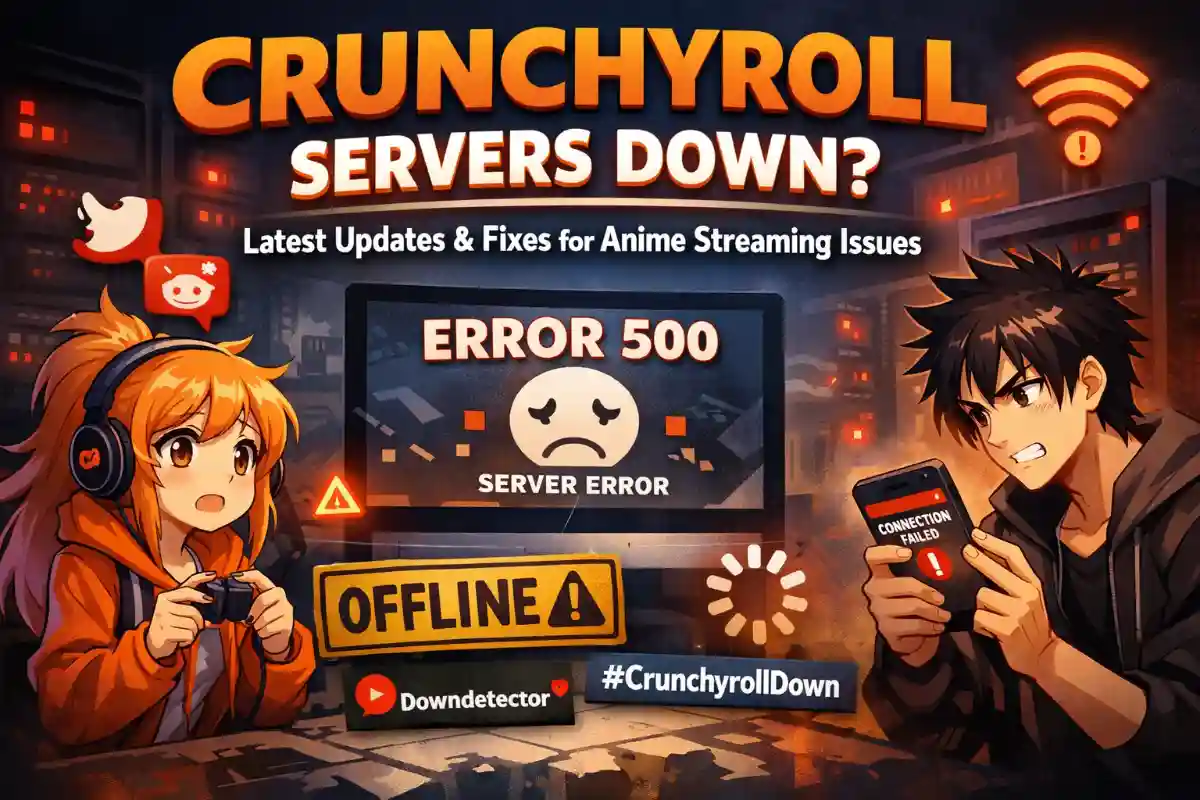
Imagine settling in for a binge-watch session of your favorite anime, only to be greeted by endless loading screens or error messages. That’s the frustrating reality many Crunchyroll users are facing right now as reports of server downtime flood social media and outage trackers. If you’re wondering why Crunchyroll servers are down and how to get back to your shows, we’ve got the details you need.
What’s Behind the Crunchyroll Outage?
Crunchyroll, the go-to platform for anime enthusiasts worldwide, experienced a significant outage starting late Sunday, affecting thousands of users primarily in the US but with reports emerging globally. According to real-time outage data, over 7,000 users reported issues, with the peak hitting around evening hours. This isn’t the first time; Crunchyroll has faced intermittent server problems in recent months, often tied to high traffic during popular releases or maintenance windows.

The current disruption seems to stem from server-side glitches, leading to problems like failed logins, premium subscriptions not recognizing, and streaming buffers that never resolve. While the official status page claims all services are operational, user experiences tell a different story, highlighting potential delays in updating the dashboard.
Common Problems Users Are Reporting
Anime fans have taken to platforms like X (formerly Twitter) and Reddit to vent their frustrations. Key issues include:
– Inability to access premium content despite active subscriptions, with prompts to upgrade appearing unexpectedly.
– App and website failing to load episodes, often showing connection errors or internal server codes like 500.
– Worldwide impact, with users from North America, Europe, and Asia reporting similar downtimes, suggesting a broad infrastructure hiccup.
Breakdown of complaints shows 37% related to streaming failures, 24% to website accessibility, and 21% to app functionality, painting a picture of a multifaceted outage.
How to Check if Crunchyroll Servers Are Down
To confirm if the problem is widespread or isolated to your setup, start with Crunchyroll’s official status page. If it indicates everything is running smoothly but you’re still stuck, cross-reference with independent outage monitors. These sites aggregate user reports in real time, providing a clearer view of the situation.
Additionally, scanning social media for hashtags like #CrunchyrollDown can reveal if others are in the same boat, often with quicker updates than official channels.
Troubleshooting Steps While Waiting for a Fix
Don’t sit idle—try these proven fixes to potentially bypass the downtime:
1. Refresh and Restart: Close the app or browser tab completely and reopen it. A simple reload can sometimes resolve temporary glitches.
2. Clear Cache and Cookies: Accumulated data can cause loading issues. Clearing them from your browser settings often helps.
3. Switch Devices or Browsers: If the app is acting up, try accessing via a web browser, or vice versa. Testing on another device can isolate if it’s a local problem.
4. Check Your Internet: Ensure your connection is stable. Switching from Wi-Fi to mobile data or restarting your router might do the trick.
5. Reinstall the App: For mobile users, uninstalling and reinstalling the Crunchyroll app can clear out corrupted files.
If these don’t work, the issue is likely on Crunchyroll’s end, and patience is key.
When Will Crunchyroll Be Back Online?
Crunchyroll hasn’t issued an official statement on the timeline yet, but past outages have typically resolved within a few hours to a day. With the platform’s team likely working around the clock, especially given the global user base, expect updates soon. In the meantime, consider offline viewing options if you’ve downloaded episodes beforehand.
Stay tuned for developments, and remember, these hiccups are part of the digital streaming world. Once resolved, you’ll be back to enjoying the latest seasons without interruption.